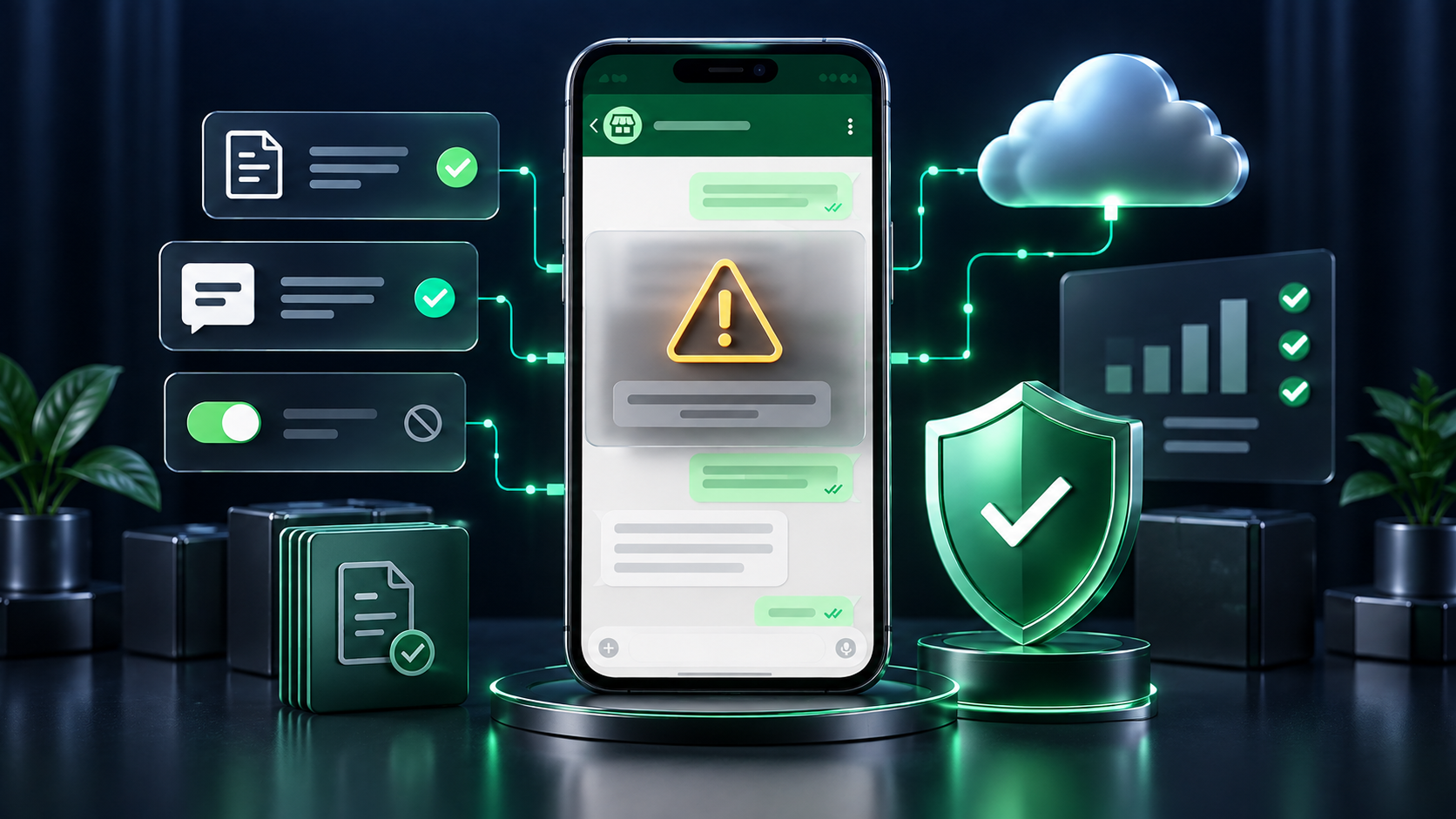
A restricted or blocked WhatsApp Business number can interrupt sales, support, appointment reminders, and customer service. It can also be confusing because businesses often describe every enforcement action as a “ban”, even though WhatsApp may apply different measures.
Depending on the product, the circumstances, and the severity of the issue, WhatsApp may warn a business, limit certain activities, throttle messaging, suspend an account, or terminate access. Automated systems and human review may both form part of enforcement, so the exact notice shown in WhatsApp or Meta Business Manager matters.
The most common causes
Why a WhatsApp Business number may be restricted
Messaging people without suitable permission
Having a mobile number does not automatically mean that a person expects WhatsApp marketing. Purchased, scraped, inherited, or old databases are especially risky when there is no clear, recent opt-in for the category of message being sent.
Too many blocks or reports
Recipients can block or report a business. Unexpected, irrelevant, or overly frequent messages make complaints more likely, and sustained poor user feedback can lead to limits or enforcement.
Repeated or unwanted follow-ups
Persistent promotions, repetitive reminders, misleading urgency, and continued contact after a person shows no interest can look like spam—even when the business itself is legitimate.
Ignoring opt-outs
A request to stop must be honoured, whether it arrives on WhatsApp or through another channel. Continuing to message that person increases both policy and reputational risk.
Using unofficial automation or bulk-sending tools
Browser extensions, modified clients, device farms, or software that automates the WhatsApp Business App in unauthorised ways can violate WhatsApp’s terms. Use official Business App features or the WhatsApp Business Platform.
Using the Business App for bulk messaging at API scale
Official Business App broadcasts are allowed, but large, repeated, or automated campaigns—especially through third-party senders—raise restriction risk. Use the Cloud API for scaled messaging with opt-ins, approved templates, and opt-out controls.
Breaking template or conversation rules
Businesses using the WhatsApp Business Platform must follow the applicable message-template and customer-service-window rules. Approved templates should be accurate, correctly categorised, and used for the purpose customers expect.
Promoting prohibited or restricted products
Some goods and services cannot be promoted or facilitated through WhatsApp Business, while others are allowed only under specific conditions. A local business licence does not automatically make a category permissible on WhatsApp.
Fraud, impersonation, or misleading claims
False identities, deceptive offers, suspicious payment requests, and misrepresented affiliations can result in swift enforcement. Your profile and messages should make the business identity and purpose clear.
Threatening, abusive, illegal, or infringing content
Harassment, hate, exploitation, illegal material, malware, and serious or repeated intellectual-property violations can lead to account action.
Scraping data or trying to evade enforcement
Unauthorised collection of user data, interference with WhatsApp systems, manipulation of reporting signals, or moving the same prohibited activity to a replacement number can worsen the situation.
Prevention checklist
How to reduce the risk of restrictions and blocks
Important distinctions
Three common misunderstandings
Broadcasting is not automatically a violation
WhatsApp provides official broadcast and business-messaging features. The risk comes from unwanted messages, missing permission, prohibited content, poor user feedback, or unofficial sending methods—not simply from sending one message to multiple customers.
A rejected template does not necessarily mean the number is banned
A template can be rejected, paused, or disabled for reasons specific to its wording, category, or performance. Investigate the exact account, phone-number, and template status before assuming a complete ban.
Official tools and verification do not provide immunity
Businesses using the Cloud API, official partners, or verified profiles must still follow WhatsApp’s terms and messaging policies. Compliance remains the responsibility of the business.
What to do if your number is restricted
- 1. Read the notice carefully. Identify whether the issue affects a template, messaging limit, phone number, WhatsApp Business Account, or the entire account.
- 2. Pause risky activity. Stop the affected campaign or automation while you investigate. Continuing the same pattern can generate more complaints.
- 3. Audit consent and content. Check opt-in records, audience sources, opt-outs, templates, frequency, complaint trends, and any recent changes in sending volume.
- 4. Remove unofficial tools. Disconnect browser extensions, modified clients, or unauthorised automation and secure the account.
- 5. Use the official review route. If WhatsApp or Meta offers a review or appeal option, provide accurate business details and a concise explanation of the corrective action taken.
- 6. Do not evade enforcement. Avoid moving the same activity to another number. Fix the underlying problem first.
- 7. Ask for assistance. A provider or partner such as Whapp can help assess your setup, templates, consent process, and available official escalation routes. Only WhatsApp or Meta can decide an appeal or restore access.
Official WhatsApp references
Policies and product rules can change. Review the current official documents before launching a new use case or campaign.
Build safer, permission-based WhatsApp journeys.
Whapp helps businesses use official WhatsApp infrastructure, manage approved templates, respect opt-outs, segment audiences, and combine automation with human oversight.
Talk to Whapp